Update microchip details: free to £15 a year (UK 2026)
Updated 1 November 2026 · 3 min read
A microchip only helps if the details on it are right. If you've moved house, changed your phone number or taken on a new pet, here's how to update them, whichever of the approved databases holds the record. In the UK, keeping your pet's microchip details up to date is your responsibility, and it's the most common problem: in Battersea's 2026 survey of stray dogs collected by councils, 34% had a chip with out-of-date details, more than the 32% with no chip at all.
1. Find your pet's microchip number
It's usually on your pet's vaccination record, their adoption or purchase paperwork, or a letter from the microchip database. If you can't find it, a vet, dog warden or rescue centre can scan your pet for it.
2. Find out which database it's on
There are more than 20 government-approved microchip databases, including Petlog, identi (formerly Identibase), UK PETtrac and HomeAgain. If you're not sure which one holds your pet's record, enter the chip number on the Check-a-Chip website, which GOV.UK links to.
If you don't know, you're far from alone. In a 2020 YouGov survey of 1,510 dog owners in Great Britain, 70% didn't know the databases are separate private companies, 60% couldn't say which one held their dog's record, and 46% had never logged into one. Of those who hadn't updated their details, 57% said it was because they didn't know how (Discover Animals, 2026).
3. Update your details
Contact that database online or by phone, and update your address, phone number and email. Some databases charge for changes: Petlog customers who joined from 13 January 2026 need a plan from £15 a year (earlier customers can still update for free), PETtrac charges £6 to change an address, and some, like HomeAgain, are free (our guide to what microchipping costs lists more). Only use a database on the GOV.UK approved list, and log in on its own website rather than through a link in an email, because look-alike sites send fake “renewal” emails (see microchip scams): in England, you can be fined up to £500 if your dog or cat isn't registered on one.
When you get a new pet
The microchip record should move into your name when you buy or adopt a pet. Ask the breeder, seller or rescue for the chip number and which database it's on, then ask the database to transfer the pet to you. Some databases need the previous keeper to start or confirm the transfer, so sort it out when you collect your pet. Our guide to transferring a microchip to a new owner has each database's steps and fees.
In England the law puts this on you: the new keeper must record their name, address and phone number with the database, unless the previous keeper has already done it, and it's an offence to pass on a dog, or a cat over 20 weeks old, without a chip (regulation 9 of the Microchipping of Cats and Dogs (England) Regulations 2023). Our guide to dog microchipping law has the rest.
When a pet is rehomed or dies
If your pet goes to a new home, transfer the record to the new keeper. If your pet dies, let the database know, so the record is closed and nobody is contacted by mistake.
Keep a second way home
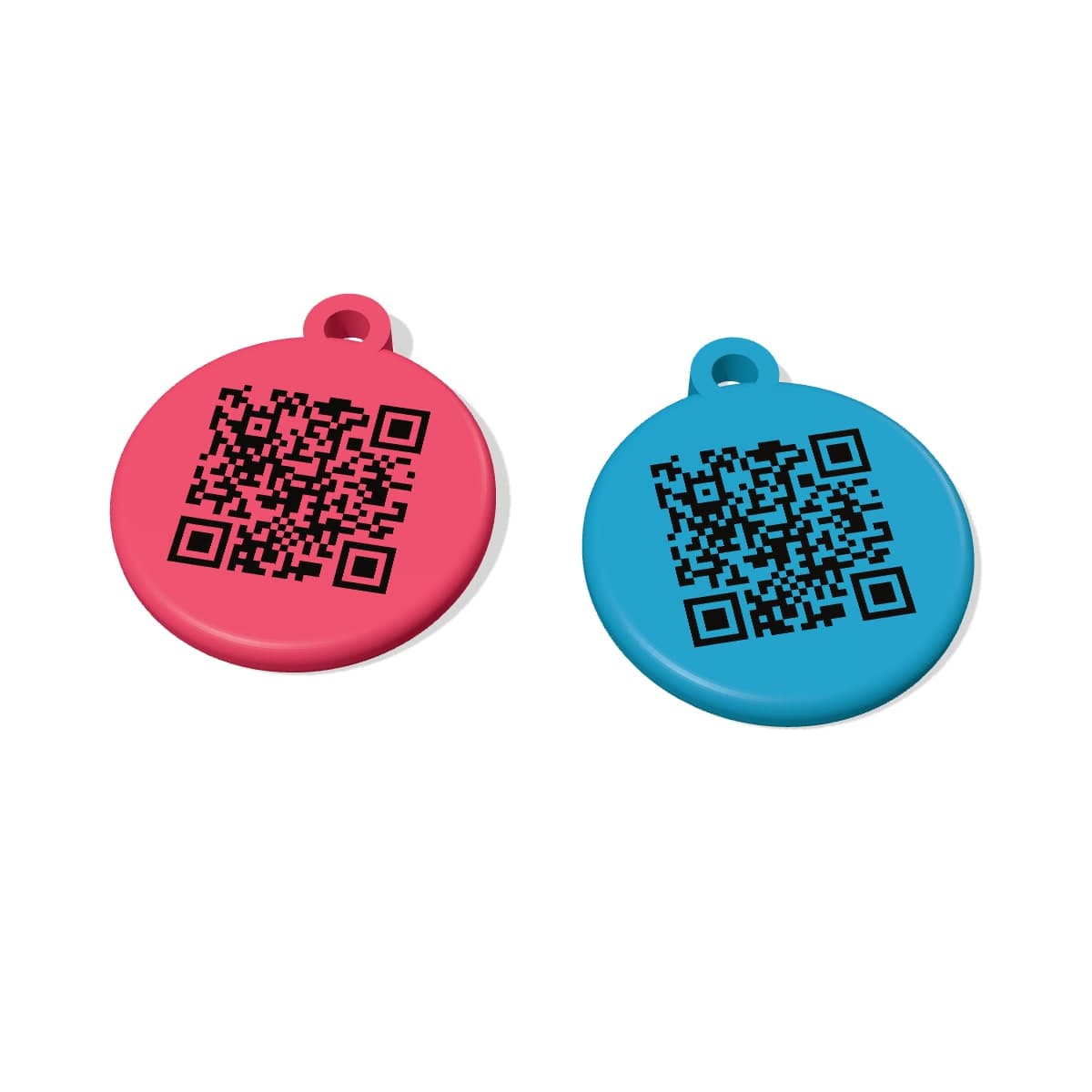
A microchip can only be read with a scanner, and changes can take a few days to go through. A PetTag profile updates the moment you save it, and anyone who finds your pet can scan the tag with their phone: see our QR code dog tags and cat tags.
Quick answers
How do I find out which database my pet's microchip is on?+
Enter the microchip number on the Check-a-Chip website. It tells you which database holds your pet's record.
Do I have to pay to update microchip details?+
Some do. Petlog customers who joined from 13 January 2026 need a plan from £15 a year to change their details (earlier customers update free), PETtrac charges £6 to change an address, and HomeAgain is free (checked on their websites in October 2026). Your pet must stay registered on a government-approved database.
What if I don't know my pet's microchip number?+
Check vaccination records and adoption or purchase paperwork. If it isn't there, a vet, dog warden or rescue centre can scan your pet for it.
How do I update my details on Petlog?+
Log in at petlog.org.uk (top right), click your name, choose Manage Account, then Contact details on the left. Petlog says you can update your phone numbers free at any time. If you can't do it online, its phone line (01296 336579, 9am to 5pm on weekdays) can help, but it will only talk to the registered keeper.
Sources (10)
- Get your dog or cat microchipped: updating details and approved databases (GOV.UK)
- Check-a-Chip
- The Microchipping of Cats and Dogs (England) Regulations 2023, regulation 9 (legislation.gov.uk)
- Updating your details (Petlog)
- FAQs: how do I change my address? (Petlog)
- How much does it cost to register my pet? (identi)
- Update your pet's microchip (UK PETtrac)
- Transfer of keepership (HomeAgain)
- Awareness of and engagement with microchipping services among UK dog owners (Discover Animals, 2026)
- Microchipping and stray dogs report 2026 (Battersea, PDF)
This guide is general information, not legal or veterinary advice. How we write our guides